timbr core
Data Modeling with SQL Ontologies
Timbr enables agile data modeling using SQL ontologies that align with real-world meaning.
Users can build models bottom-up from existing schemas, top-down using SQL DDL, or automatically via AI-assisted generation, catalog conversion, or OWL imports.
This flexible approach supports both no-code modeling and advanced, pipeline-integrated development in notebooks or through APIs.
Building Big Data's Brain
The Paths to SQL Ontologies
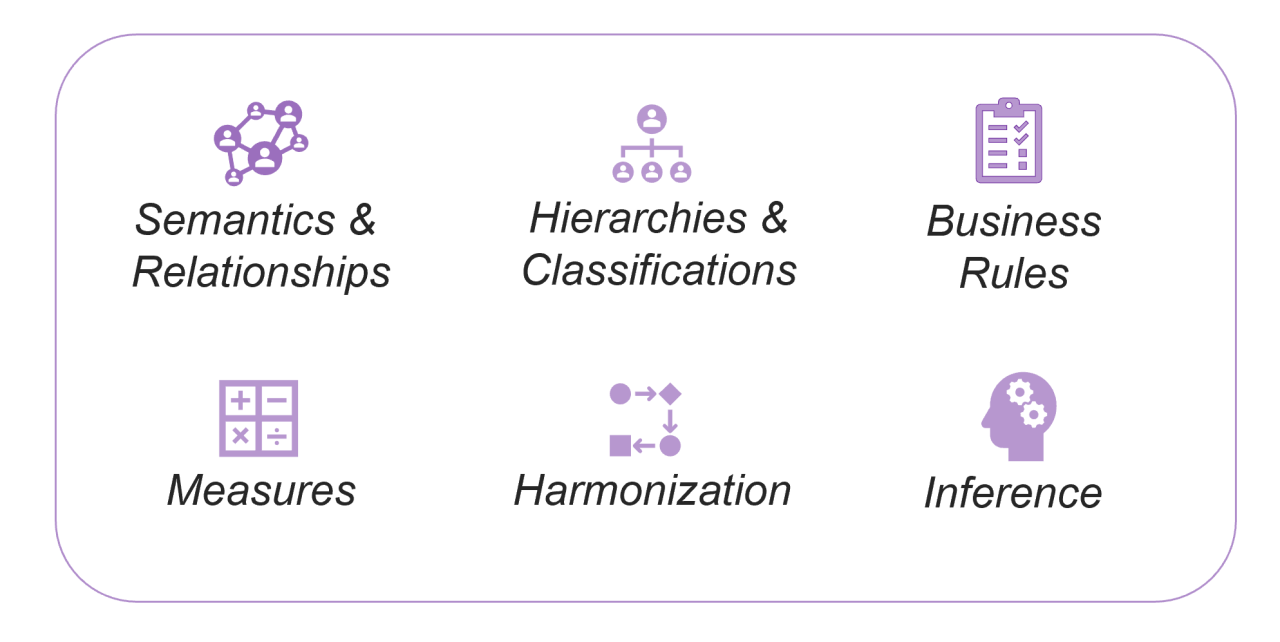
Start from raw data sources, import existing ERDs/OWL models, or define business concepts first. All modeling approaches create the same SQL-native ontologies with relationships, measures, business rules, and hierarchies, no matter which path you choose.
Top-Down Modeling
Model top-level business domains first, then refine into related sub-concepts with inherited properties and relationships.
Example: Customer → VIP Customer.
Bottom-Up Modeling
Map data to create concepts, relationships and measures. The parent concept unifies child concepts with shared properties.
Example: Facebook Ads + Google Ads → Ads.
Automatic / AI-Assisted Modeling
Accelerate modeling with auto-generated concepts, properties, and mappings in bulk from database schemas. AI can infer relationships and suggest structure, which you refine.
ERD / OWL
Import
Jump-start modeling by importing existing ERDs or OWL ontologies, reusing prior investments in semantic definitions.
Visual
Modeling
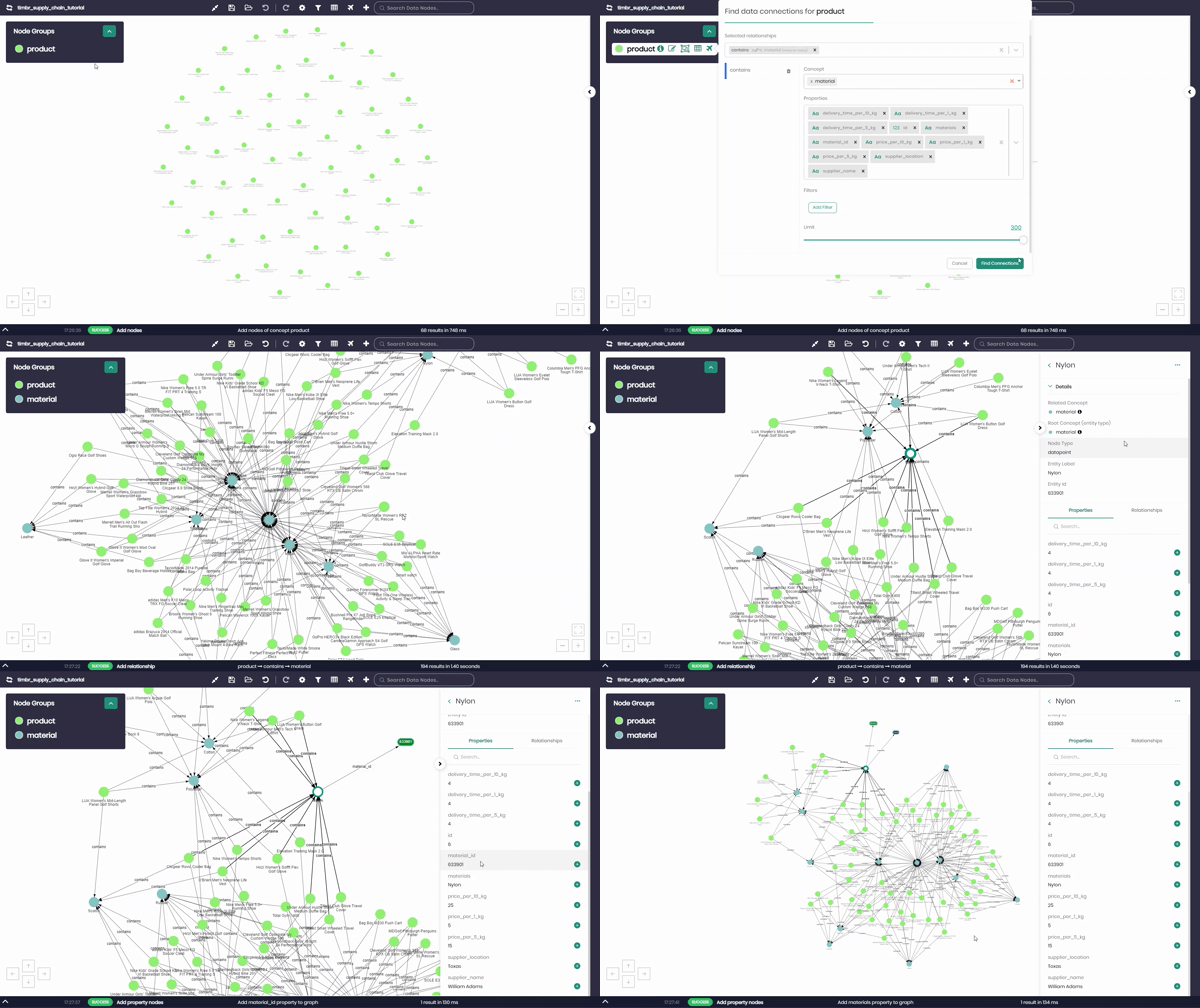
Use Timbr’s Ontology Explorer to create concepts, hierarchies, relationships, and business rules in a no-code environment.
DDL Statements
Use Timbr’s SQL Lab to define concepts, hierarchies, relationships, measures and business rules using familiar SQL statements.
Modeling Approaches Comparison
| Approach | Best For | Data Mapping | Business Logic | Example Use Case |
|---|---|---|---|---|
| Top-Down | Single table with classifications | Parent concept | Sub-concepts filter parent data (inherit mappings, add filters) | Customer → VIP Customer, Premium Customer |
| Bottom-Up | Multiple tables for the same entity | Sub-concepts | Parent unions shared properties | Facebook Ads + Google Ads → Ads |
| Automatic Modeling (AI) | Accelerating model creation from schemas | Auto-generated | Suggested concepts, properties, and relationships | Bulk-generate ontology from schema import |
| ERD Import | Existing database schemas | Auto-generated | Relationships preserved | Legacy system modernization |
| OWL Import | Reusing semantic web ontologies | Concept mapping | Classes and restrictions preserved | Enterprise ontology reuse |
Zero Data Movement
Ontology modeling in Timbr lets you query live data where it resides. Concepts act as virtual tables, while semantic relationships automatically combine data across sources. Models evolve without restructuring, and no ingestion or ETL pipelines are required.
- Query live data where it lives
- No ingestion or ETL required
- Models evolve without restructuring data
- Mappings connect concepts directly to tables and columns
No matter where your data lives, Timbr exposes it through the ontology-based model that makes distributed querying intuitive and efficient.
Multiple Schema Views
Timbr automatically generates five virtual schemas that let you query the ontology in different ways:
timbr schema (Intrinsic) – Base concepts and their properties mapped directly to your tables.
etimbr schema (Exhaustive) – Adds all inherited and derived properties from parent and sub-concepts.
dtimbr schema (Dereferenced) – Lets you traverse relationships as if they were properties, replacing joins with graph-style navigation.
vtimbr schema (Views) – Exposes saved views created on top of the ontology.
gtimbr schema (Graph) – Enables graph algorithms on concepts (licensed add-on).
These Schemas are auto-generated, letting you query ontologies relationally, with inheritance, or as a graph.
The Timbr Advantage: Ontologies Made Simple
From modeling to consumption:
- Choose your modeling approach: Start bottom-up from data, top-down from business concepts, or import existing ERDs/OWL ontologies
- Create semantic concepts: Define business entities as virtual tables with properties, relationships, and inheritance
- Map to live data: Connect concepts directly to your source tables without moving or copying data
- Query with context: Use SQL dot notation to traverse relationships instead of writing complex joins.
- Export and govern: Move models between environments and integrate with BI tools like Power BI
Benefits at a Glance
For Data Teams
Model in hours or days instead of weeks or months. No ETL pipelines required, query live data where it resides. Semantic relationships replace joins, while inheritance ensures consistent properties across concepts.
For Business Users
Work with governed business concepts instead of raw tables. Use familiar SQL and BI tools without learning graph languages. Explore data visually and benefit from AI-ready models for copilots and assistants.
For the Enterprise
Unlock the ROI of ERDs, Catalogs and OWL investments with one governed semantic model across BI, AI, and analytics. Ensure consistent definitions, accelerate AI adoption with structured context, and scale models seamlessly across dev → staging → prod.